Contact desk / GBH-01

SEND INTEL TO THE HUB.

GameBaseHub is an independent informational portal and structured knowledge base about Delta Force for Australian and international players. This desk is the direct route for readers who want to help keep practical tactical information clear, useful and easy to scan.

Send guide feedback, report a database correction, share a news tip, flag a website issue or make an appropriate partnership enquiry. Links, page titles and a short explanation of what you found give the editorial desk the context needed to review your message efficiently.

REF: AU / INTEL ARCHIVE / 01

Planning desk with a blank paper dossier, maps and a radio handset
Contact desk record / planning sheet in review.

Direct routes / verified fields

Stamped contact channels

Phone

+61 2 8015 6842

Field note This phone number is editable placeholder information. It is shown for reference and is not presented as a staffed support line or an availability promise.

Address

44 Market Street, Sydney NSW 2000, Australia

COORDINATE REFERENCE / SYDNEY

This address is a geographic contact reference only. It does not indicate that GameBaseHub occupies, operates from or is associated with this property or an existing business there.

Message intake / record GBH-02

Write to the editorial desk

Use this form for the category that best fits your message. Include a relevant link, page title or clear description where possible, so the desk can locate the guide, database record or website issue without guessing at the context.

Use an address where a reply can reach you.

Avoid sharing sensitive personal information that you do not want included in an enquiry.

Fields marked with an asterisk are required. Your message is prepared for the contact desk through this page.

Correction protocol / source context

Report the exact record

  1. Identify the guide, walkthrough, Operator, map, weapon, build or other archive record by its page title or link. A heading, table row or paragraph reference makes it much easier to locate the point you mean and reduces ambiguity for a correction report.
  2. Describe the detail you believe needs attention. For changing material, include the update date, patch context or season reference that shaped your observation. This is especially helpful when MELTDOWN is mentioned, because season-sensitive guidance needs a date or patch frame rather than a timeless reading.
Confirmed

Evidence for factual changes

Factual corrections are most useful with a source, update context or reproducible detail. A clear reference helps distinguish an older entry from information that may now apply, without assuming every report can be resolved in the same way.

Editorial view

Advice can differ by approach

Strategy disagreements are valuable feedback, but they are not automatically factual errors. Explain the approach you tested and why it differs, so player advice can remain clearly separate from confirmed information.

DATE / PATCH / SEASON

Include time-sensitive context wherever available, including for MELTDOWN references, to help separate current observations from older guidance.

News desk / field note

Send context, not speculation

For a potential Delta Force news item, send a concise description of what you observed along with a relevant link, date or supporting context when it is available. It helps to separate what you directly saw from what you infer. GameBaseHub covers news and season-sensitive material, but this contact route is not a request for confidential material, personal information or unsupported claims.

Confirmed / editorial process

A submitted tip is not automatically treated as confirmed information. Context may be checked before a claim is presented as confirmed, and publication decisions remain editorial. GameBaseHub is an independent information publisher and does not promise publication, payment, a reply or attribution for a submission.

Time-sensitive report: choose News Tip in the form and include the date, patch context or season reference. Where MELTDOWN is mentioned, add that context so the report is not treated as a timeless state.

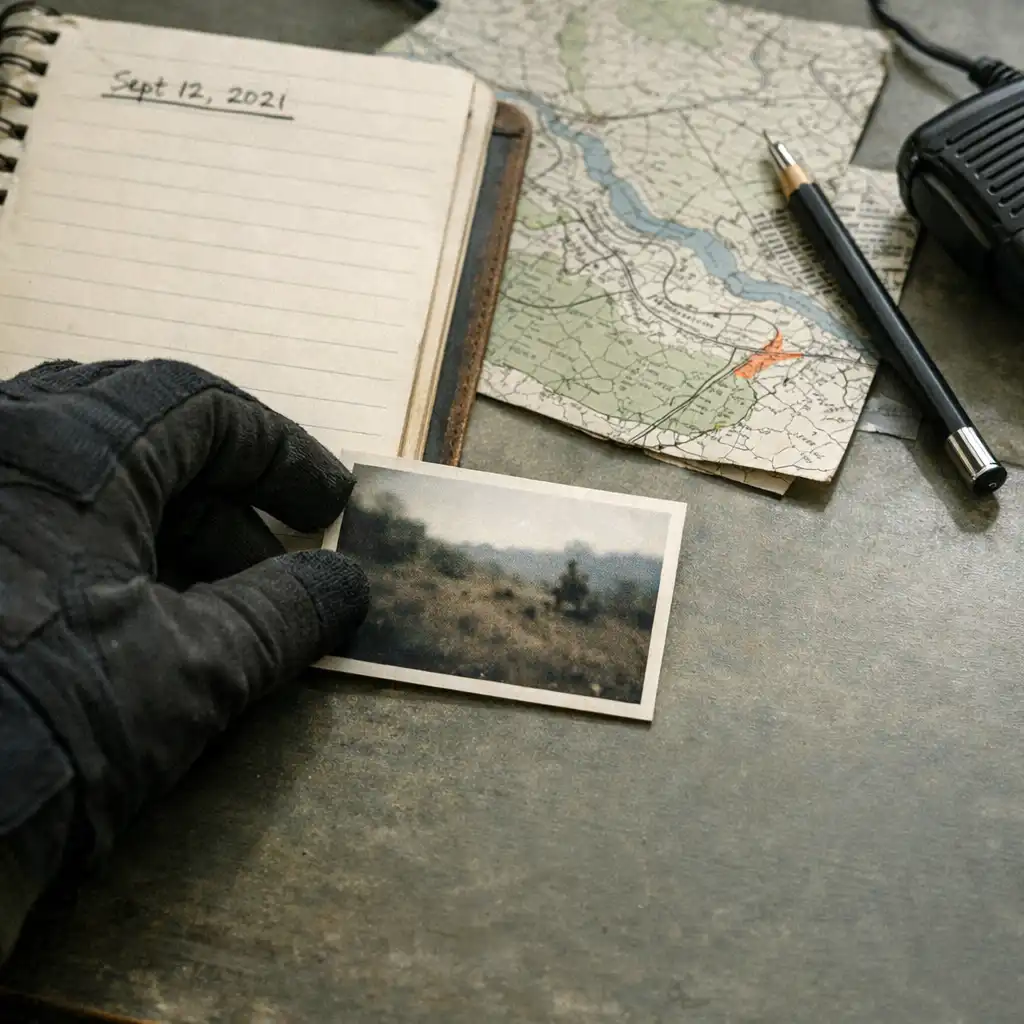
Field note and map fragment on an independent research desk
Research note / source context should travel with the report.

Website issue / diagnostic ledger

Describe the problem clearly

  1. Name the affected area. Include the page, search result, filter, database record, internal guide link or display feature that appears to need attention.
  2. State what happened. Describe the result you saw in plain language, including any useful steps that reproduce the issue.
  3. State what you expected instead. This comparison gives the report a practical frame without requiring technical terminology.

Select Website Issue in the category field and use a subject line that names the affected area.

Enquiry boundaries / independent desk

Partnership and general enquiries

Partnership / enquiry

Relevant partnership enquiries

Concise partnership enquiries that relate to GameBaseHub’s independent informational and knowledge-base purpose are welcome. Choose Partnership in the form and state the purpose of the enquiry in the subject. This route does not offer or promise commercial opportunities, sponsorship, media materials or collaboration terms.

Other / message

Other messages

Select Other when your message does not fit the listed routes, keeping the subject specific and the note concise. Where possible, use Guide Feedback, Database Correction, News Tip or Website Issue instead, as the more precise category makes the message easier to understand.

Final check / transmission

Before you transmit

  • Choose the category that best matches your message: Guide Feedback, Database Correction, News Tip, Website Issue, Partnership or Other.
  • Name the relevant page, record or topic so the desk can locate it quickly.
  • Add patch, update or season context for changing information, especially when MELTDOWN is mentioned.
  • Keep factual evidence separate from personal strategy advice, and give a concise reason for your report.
RETURN TO MESSAGE FORM