GameBaseHub is an independent informational portal and structured knowledge base for researching Delta Force Operations. Use this desk to prepare a run, compare route and loot research, consider rival-squad pressure, review boss and extraction records, or trace Operations Center progression into related map, Operator, weapon and build material. The archive is designed for preparation and clearer decisions, not promises about outcomes. Start with the question you have, then follow the dated, labelled records that provide the most relevant context.
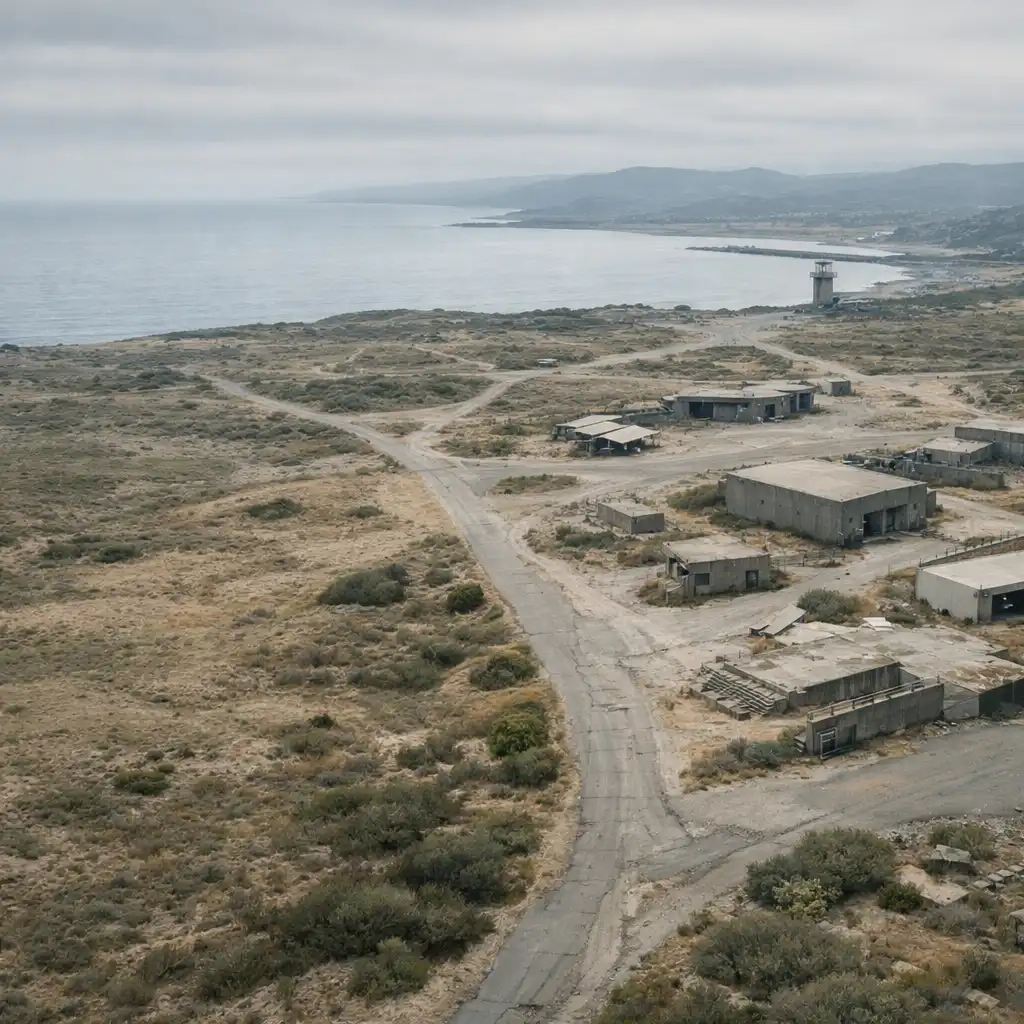
Neutral planning landscape / visual reference only / not an official map.
ARCHIVE QUERY / OPS-02
Find an Operations record
Search by the task, location or subject already on your mind: route planning, extraction, loot, rival squads, bosses or Operations Center progression. Results are topic entry points, so check their labels and context before treating a result as current guidance.
Filter by topic / all records shown by default
All Operations records are currently displayed.
PRE-RUN / BRIEFING SEQUENCE
Before you deploy
01Editorial view
Set the run objective
Name the purpose of the run before choosing a route. You might be researching, looking for supplies, reviewing progression material or simply prioritising a more exit-focused session. A clear objective gives later route and risk decisions a useful frame without suggesting that one goal is best for every player.
02Confirmed
Build an information check
Before relying on a route, boss note or extraction recommendation, check the record’s update context and source-status label. Where available, compare the stated game-version context with your own. Material mentioning MELTDOWN is season-sensitive intelligence, so it should always be read with its dated or versioned context rather than as a timeless rule.
03Editorial view
Choose linked research
An Operations question can lead to useful context before you commit to a plan. Open the relevant Maps, Operators, weapons and builds records as research aids, not compulsory setup instructions. Linked dossiers help you compare context around the particular question you are trying to answer.
04Field note
Agree on a team decision point
It can help to agree when the squad will reassess the plan if conditions change. Rival-squad pressure, a route that no longer feels appropriate or falling confidence can all prompt a conversation. This is communication advice, not a prediction of encounters or a rule about when every team should act.
ROUTE READING / FIELD METHOD
Route planning as a live brief
Read a route as a sequence of decisions, not a fixed line to follow blindly. Start with an approach, gather the information that matters to your objective, choose an intended activity, then leave room to reassess. Conditions can change, and a route guide is most useful when read beside the relevant map guide and its documented context rather than as a promise of a particular result.
Confirmed
Separate loot intent from route certainty
A loot-focused intention does not prove that a route will produce a particular result. Read source-checked observations separately from player preference, and keep the evidence label visible when comparing route records.
Editorial view
Leave room to reassess
Rival-squad signs, changing confidence and extraction considerations may be reasons to reassess, rather than predictable events. Use the extraction index for focused research instead of assuming a procedure applies in every situation.
0102Terrain-planning reference / no in-game location or route points represented.
EVIDENCE KEY / READ BEFORE ACTING
Operations intelligence labels
Confirmed / source checked
Documented context
This label identifies information documented against a cited or otherwise checked source context. It describes the evidence status of the record; it is not a guarantee that game content cannot change. Check the available update context before applying the information.
Editorial view / field note
Situational guidance
These labels mark player-facing interpretation, planning suggestions and recommendations. Adapt them to your own objective, squad communication and confidence. Editorial guidance is intentionally separate from documentation so a useful suggestion is never presented as a confirmed mechanic.
OPERATIONS / INDEX
Browse Operations documents
These entries are topic entry points for maintained records and connected guide areas. Check each item’s source-status language and update context as you move deeper; the index helps organise research and does not claim every record is complete.
No Operations documents match that query. Clear the search or choose another topic filter.
OPERATIONS CENTER / DOSSIER
Operations Center research path
Treat progression as versioned intelligence. Guidance can change, so read it with visible update context and source-status labels rather than assuming specific requirements, resources or unlocks remain fixed. When seasonal material is involved, including any MELTDOWN reference, the linked record should show its dated or versioned context before it informs a decision.
01
Check the record scope
Establish whether a progression record documents a source-checked change, offers an editorial priority order, or simply indexes related guides. Read CONFIRMED, EDITORIAL VIEW and INDEX as different scopes, not interchangeable claims.
02
Open the connected evidence
Open map, weapon, build and Operator records only when they are relevant to the particular progression question. Cross-links are research aids that provide context; they are not prescribed builds or a mandatory sequence.
Return to update context before acting on time-sensitive advice. If a future or linked record mentions MELTDOWN, confirm its dated or patch context first; no unlabelled seasonal recommendation should be treated as current.
CROSS-REFERENCE / FIELD RECORDS
Connected field records
Operations guides become more useful when you can move into the map, team context, equipment research, walkthrough or extraction material that fits the question at hand. These are selectable connections, not a checklist every operation requires.
MAP FILE
Maps and navigation
Open map guides for terrain, navigation and route-context research without assuming details beyond the record you are reading.
Keep a changing decision tied to the objective you set at the start. If circumstances shift, it may help to revisit what the squad set out to research, how confident everyone feels and whether linked records need another look. A pre-run plan does not need to be treated as fixed. This is conditional communication guidance, not a claim about rival-squad systems, extraction triggers or an instruction for every team.
Confirmed
Use evidence labels before advice
A source-checked extraction or boss record is different from an editorial suggestion about when to change course. Check the evidence key and the record context before treating either as actionable information.
Editorial view
Keep suggestions situational
Advice can support communication and a calmer reassessment, but it should adapt to the objective and information available. It does not describe boss behaviour, extraction mechanics or predictable rival-squad events.
If a linked record mentions MELTDOWN, check its dated or patch context before using time-sensitive material.
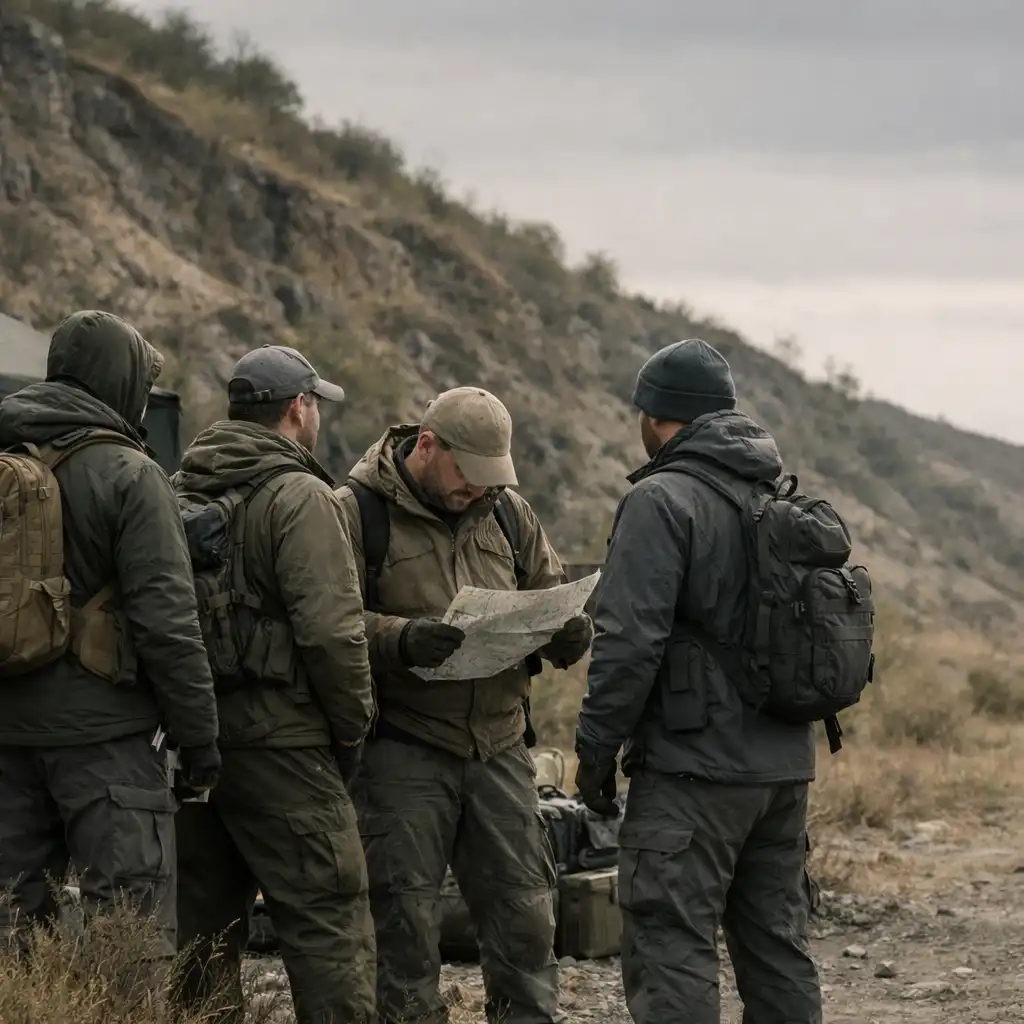
Documentary planning image / no named Operator, game map or official branding represented.
ARCHIVE EXIT / NEXT STEP
Continue your research
Enter the database when you have a specific Operations question, or move into Maps and Guides for broader preparation. Choose the record type that fits the decision in front of you, then use its evidence label and update context to keep the next step practical.
Independent archive reminder. GameBaseHub is an independent informational resource, not an official Delta Force publisher. Review source labels and update context whenever you use Delta Force material.